How to Book Your Seat
Five simple steps to get started at DocNest Study Room
Choose a branch & check availability
Pick the branch you'd like to join, fill in the details below, and we'll open WhatsApp with your booking request ready to send. We'll reply letting you know if there is a vacancy.
Make the payment
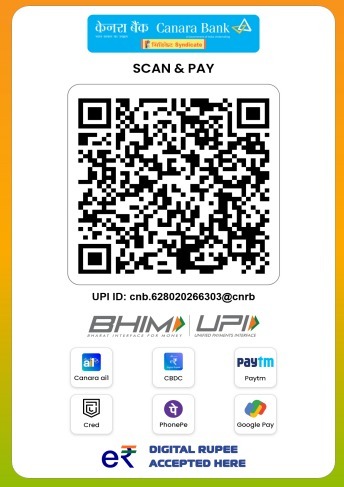
Once a seat is confirmed, scan the QR code below to pay using any UPI app (BHIM, PhonePe, Google Pay, Paytm, CRED).
Send the payment screenshot
After paying, share a screenshot of the successful payment with us on WhatsApp so we can verify it.
Receive your confirmation
Once the payment is received and verified, we will send you a payment confirmation acknowledgement. Your seat is now booked.
Submit the Google Form with your details
Finally, complete your registration by filling out our short Google Form. Please keep a soft copy of your Aadhaar card ready (both front and back, with address and photo clearly visible) to upload.
Before you book
Please read our Terms & Conditions of usage. Booking a seat means you agree to them.
Read Terms & Conditions